
CRM · Automotive services
DriveLab CRM system
Comprehensive CRM platform for a network of auto service centers in Prague.
- Client
- DriveLab
- Industry
- Automotive services
- Engagement
- Custom CRM platform
- Market
- Czech Republic
- Scope
- Multi-location CRM for service centers in Prague
01 — The challenge
What the client needed
DriveLab is a network of premium auto service centers in Prague. As the business expanded across multiple locations, the team needed a unified system for customer records, appointments, service tracking, and operational reporting.
Before the CRM, customer data and service information were fragmented across locations. Manual scheduling and disconnected tools made it harder to maintain consistent service quality, track performance, and scale operations.
We built a centralized CRM platform that connected all service centers into one shared operational system, giving the team real-time access to customer history, appointments, service status, and business analytics.
02 — Goals
What had to be achieved
- 01
Centralize customer data with cross-location access and complete service history.
- 02
Replace manual scheduling with a calendar-based appointment system and automated reminders.
- 03
Track service workflows from check-in to completion with clear status updates.
- 04
Give management a real-time analytics dashboard for revenue, performance, and service metrics.
- 05
Improve consistency across locations without forcing staff into a complex enterprise tool.
03 — What we did
What we built
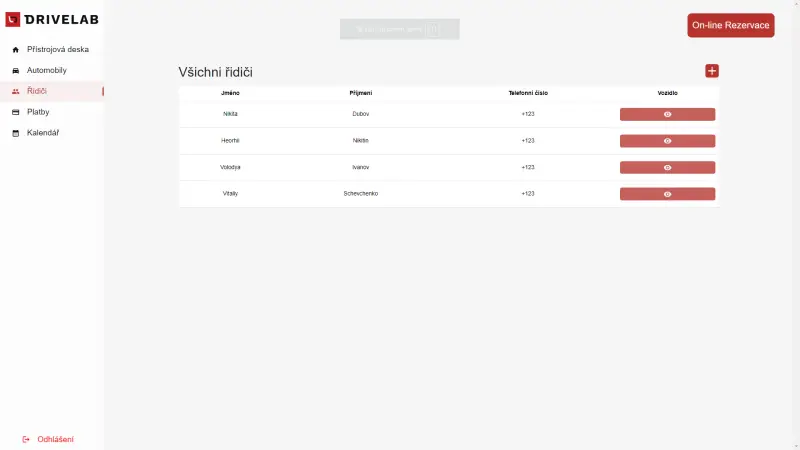
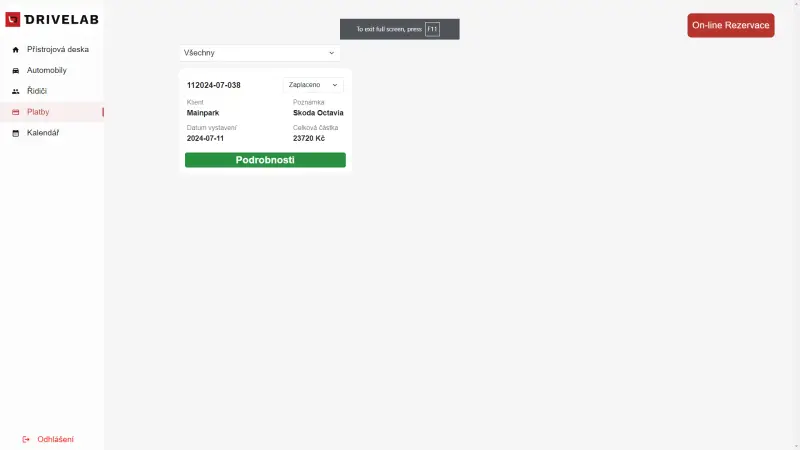
The platform gives every location access to the same customer database, appointment flow, service status, and reporting layer. Real-time synchronization keeps data consistent across the network while preserving location-level workflows.
- 01
Multi-location customer management
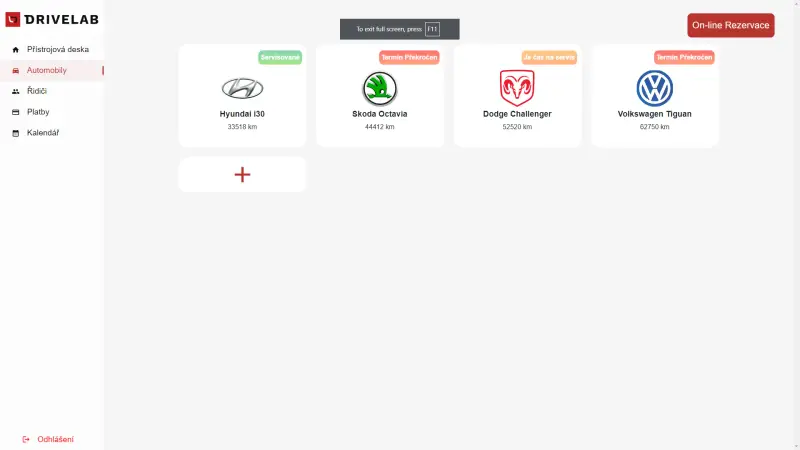
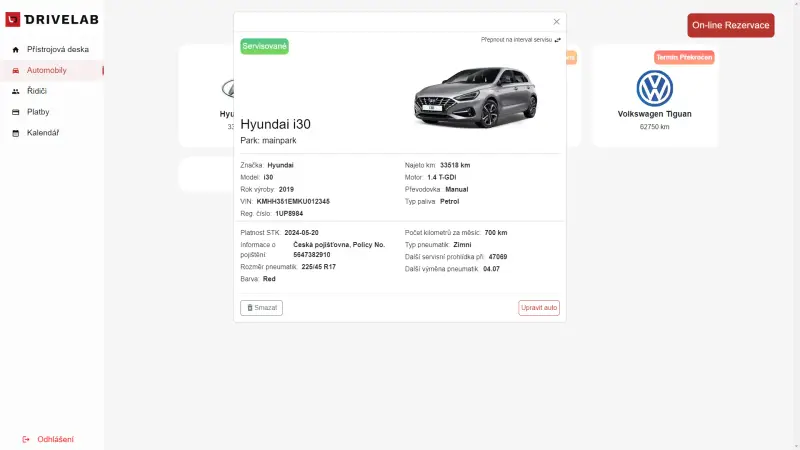
Unified customer database with cross-location access, service history, and consistent customer records.
- 02
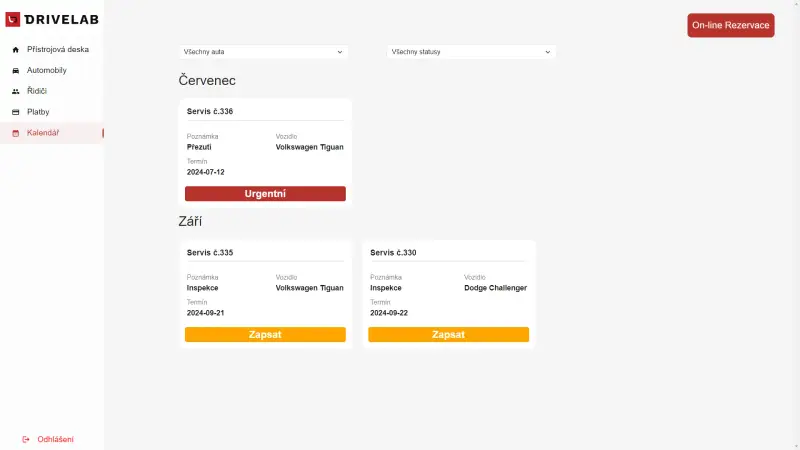
Smart appointment scheduling
Calendar-based scheduling with automated reminders to reduce no-shows and improve appointment efficiency.
- 03
Service workflow automation
Service tracking from intake to completion, with real-time status updates for staff and management.
- 04
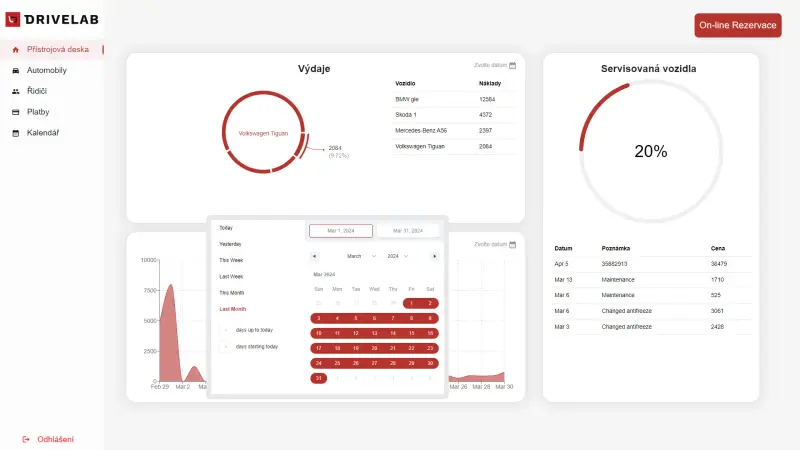
Business analytics dashboard
Revenue, service performance, and operational metrics in one dashboard for data-driven decisions.
- 05
Cross-location synchronization
Real-time data synchronization across all service centers, so no location keeps its own separate copy.
- 06
Works on any device
The web interface adapts to any screen, so staff can do key tasks from a computer, tablet or phone.
04 — Result
Result
- 01
Reduction in administrative time
Automation and unified data management reduced repetitive manual work across service locations.
- 02
Increase in appointment efficiency
Calendar-based scheduling and automated reminders improved appointment planning and reduced operational friction.
- 03
Data accuracy across locations
A single customer database replaced separate records at each location and made data consistent between service centers.
- 04
Customer database
Customer records and service history became accessible across locations from one central system.
- 05
Operational analytics
Management gained dashboards for revenue, service performance, and business metrics.
- 06
Service workflows
Service tracking from check-in to completion helped teams work with clearer statuses and less manual coordination.
05 — Screens
Screens

07 — Contact
Tell us what you need
We reply with a proposal.